
Anúncios
Finding your way has never been easier thanks to GPS technology that helps millions navigate roads, streets, and destinations worldwide every single day.
Anúncios
GPS navigation has transformed how we travel, turning complicated paper maps and handwritten directions into simple, voice-guided journeys.


Whether you’re exploring a new city, visiting a friend’s house, or delivering packages for work, GPS-enabled apps make finding addresses straightforward and stress-free.
Anúncios
Modern smartphones come equipped with powerful GPS receivers that communicate with satellites orbiting Earth, pinpointing your exact location within meters.
This technology, once reserved for military applications, now sits comfortably in everyone’s pocket, ready to guide you wherever you need to go. Let’s explore how to make the most of GPS technology for finding addresses efficiently.
📍 Understanding How GPS Works for Address Navigation
GPS, or Global Positioning System, relies on a network of satellites that continuously transmit signals to Earth. Your smartphone receives these signals from multiple satellites simultaneously, calculating your precise location through a process called trilateration. When you enter an address into a navigation app, the software converts that street address into geographic coordinates—latitude and longitude—that GPS can recognize.
The beauty of this system lies in its accuracy and reliability. Unlike older methods that depended on cell tower triangulation, GPS works almost anywhere on the planet, even in remote areas with no cellular service. However, the technology does have limitations in dense urban environments with tall buildings or in areas with heavy tree coverage, where signals might bounce or weaken.
🗺️ Choosing the Right GPS Navigation App
Several excellent navigation apps can help you find addresses, each with unique features and strengths. Google Maps dominates the market with comprehensive coverage, real-time traffic updates, and integration with other Google services. Apple Maps offers seamless integration for iPhone users, with beautiful 3D city views and privacy-focused features.
Waze stands out by crowdsourcing traffic information from its community of drivers, alerting you to accidents, police presence, and road hazards in real time. For those concerned about data usage or traveling internationally, offline GPS apps like Maps.me or Sygic allow you to download maps beforehand and navigate without an internet connection.
The best choice depends on your specific needs. Delivery drivers might prefer the community alerts from Waze, while international travelers benefit from offline capabilities. Most users find that Google Maps provides the most reliable overall experience for finding addresses in urban and suburban areas.
🔍 Entering Addresses Correctly for Accurate Results
Accuracy starts with how you input the address. GPS apps are remarkably forgiving, but following best practices ensures you arrive at the correct destination. Start by entering the street number followed by the street name, then the city and state or postal code.
Many apps offer auto-complete suggestions as you type, which can save time and prevent errors. However, be careful with abbreviated street types—”St” could mean “Street” or “Saint,” leading to confusion in cities with similar street names. When possible, spell out the full street type for clarity.
For rural addresses or locations without traditional street addresses, GPS coordinates provide an alternative. You can enter latitude and longitude directly into most navigation apps, which proves invaluable for finding remote properties, hiking trailheads, or meeting points in undeveloped areas.

🚗 Following Turn-by-Turn Voice Directions
Once you’ve entered your destination address, GPS apps provide turn-by-turn voice guidance that keeps your eyes on the road. These audio instructions announce upcoming turns with plenty of warning, typically alerting you a quarter-mile before the maneuver and again as you approach the turn.
Voice navigation has become increasingly sophisticated, with natural language processing that sounds more conversational than robotic. The system adapts to your speed, providing more frequent updates when you’re traveling quickly on highways and fewer interruptions in slow-moving city traffic.
Most apps allow you to customize voice settings, adjusting volume, choosing different voice options, or even switching languages. Some users prefer more detailed instructions that include street names and cardinal directions, while others opt for simplified guidance with just essential information.
🛣️ Managing Multiple Stops and Route Optimization
Finding one address is straightforward, but what about visiting several locations in one trip? Modern GPS apps excel at multi-stop routing, allowing you to add multiple destinations and optimize the order for efficiency. This feature proves invaluable for delivery drivers, sales representatives, or anyone running multiple errands.
Google Maps lets you add up to nine additional stops beyond your starting point, rearranging them manually or using third-party tools for automatic optimization. The app calculates total travel time and distance, helping you plan your day effectively.
For professional use, dedicated route planning apps like Route4Me or Routific handle hundreds of stops with advanced optimization algorithms that consider time windows, vehicle capacity, and traffic patterns. These specialized tools integrate with GPS navigation for seamless execution once your route is planned.
📱 Using GPS Without Draining Your Battery
GPS navigation can quickly drain your smartphone battery, especially during long trips. The combination of GPS receiver activity, screen brightness, cellular data usage, and audio output creates significant power demand. Fortunately, several strategies help conserve battery life while navigating.
Reducing screen brightness or enabling automatic brightness adjustment makes a substantial difference. Many apps offer a “night mode” with darker colors that consume less power on OLED screens. Consider mounting your phone in a holder near a vent and using your car’s charging port to maintain battery levels during navigation.
Downloading offline maps before your journey reduces data usage and power consumption since your phone won’t constantly communicate with servers. This approach also ensures navigation continues if you lose cellular coverage, making it essential for rural or international travel.
🏙️ Finding Addresses in Complex Urban Environments
City navigation presents unique challenges with one-way streets, complex intersections, and tall buildings that can interfere with GPS signals. Large apartment complexes or business parks with multiple buildings at the same street address add another layer of complexity to finding your exact destination.
Street View integration helps you visually confirm your destination before arrival. By viewing the actual building or entrance, you can identify landmarks, parking options, and the correct entrance—especially helpful for medical facilities, schools, or office buildings with multiple entrances.
Many GPS apps now include building-specific navigation for shopping malls, airports, and transit stations. These indoor maps guide you to specific stores, gates, or platforms, extending GPS functionality beyond outdoor street navigation into complex interior spaces.
🌐 International Address Formats and GPS Navigation
Traveling internationally requires understanding different address formats and conventions. European addresses often place the street number after the street name, while Japanese addresses use a block-based system rather than sequential street numbers. GPS apps generally handle these variations automatically when you enter addresses in their local format.
Postal codes become especially important internationally, as they provide precise location data that helps GPS apps narrow down addresses in unfamiliar countries. In the UK, postcodes can pinpoint locations to within a few houses, making them more reliable than street addresses alone for navigation.
Language barriers pose challenges when entering addresses in countries using non-Latin alphabets. Most modern GPS apps support multiple languages and character sets, allowing you to search using either local script or romanized versions. Having addresses written in local languages alongside English translations ensures you can navigate effectively anywhere in the world.
🏡 Locating Addresses in Rural and Remote Areas
Rural navigation tests GPS systems differently than urban environments. Roads may lack official names, houses might not follow sequential numbering, and vast properties can span acres with the entrance far from the actual house. These situations require creative problem-solving beyond simply entering an address.
Plus codes, developed by Google, provide a modern solution for locations without traditional addresses. These short alphanumeric codes identify precise locations anywhere on Earth, proving particularly useful in rural areas, developing countries, or for outdoor recreation sites that lack formal addresses.
When visiting rural properties, communication with your destination becomes essential. Ask for specific landmarks, gate descriptions, or distances from major intersections. Many rural residents provide GPS coordinates directly, recognizing that traditional addresses may lead visitors to the wrong part of their property.
✅ Verifying You’ve Arrived at the Correct Location
GPS accuracy typically ranges from 5 to 10 meters under optimal conditions, but various factors can affect precision. Before concluding you’ve reached your destination, verify the address visually by checking building numbers, business signs, or distinctive features mentioned in your directions.
Satellite view and street view features in navigation apps let you compare the actual location with imagery, confirming you’re in the right place. This verification step is crucial when visiting unfamiliar addresses, especially at night or in areas with poor visibility where building numbers might be difficult to see.
If something seems wrong—you’re in a residential area when expecting a commercial location, or the building type doesn’t match your destination—don’t hesitate to call ahead and confirm the address. GPS databases occasionally contain outdated information, and new developments may not appear in mapping systems immediately.
🔧 Troubleshooting Common GPS Navigation Issues
Even the best GPS systems encounter problems occasionally. Signal loss in tunnels, parking garages, or areas with tall buildings is common. The solution is often simply waiting a few moments for your device to reacquire satellite signals once you’re back in an open area.
Incorrect routing sometimes occurs due to outdated map data. GPS companies continuously update their databases, but construction, new developments, and road closures happen faster than map updates. Regularly updating your navigation app ensures you have the latest information and bug fixes.
If your GPS consistently shows inaccurate positioning, try recalibrating your device’s compass or checking location service permissions. Ensuring your phone has a clear view of the sky, away from metal objects that might interfere with GPS reception, also improves accuracy.
📊 Advanced Features for Power Users
Beyond basic navigation, GPS apps offer advanced features that enhance the address-finding experience. Traffic layer displays show real-time congestion, with color-coded roads indicating flow speed. This information helps you decide whether to wait for traffic to clear or take an alternate route.
Timeline features in apps like Google Maps automatically track where you’ve been, creating a personal travel history. This proves useful for remembering addresses you’ve visited, tracking mileage for tax purposes, or simply recalling that great restaurant you found last month but forgot to save.
Integration with calendar apps allows automatic navigation to events with location information. Your phone recognizes when you need to leave based on current traffic conditions, sending notifications to ensure you arrive on time without constantly checking your GPS.
🔐 Privacy Considerations When Using GPS Navigation
GPS navigation involves sharing your location data with app providers, raising legitimate privacy concerns. Understanding what data is collected and how it’s used empowers you to make informed decisions about which navigation apps to trust with your location information.
Most navigation apps collect location history to improve traffic predictions and provide personalized recommendations. You can typically disable location history in app settings, though this may reduce functionality like traffic predictions based on typical patterns.
Apple Maps emphasizes privacy by processing many navigation functions directly on your device rather than sending data to servers. Other apps offer incognito or privacy modes that temporarily stop tracking your location history during navigation sessions.
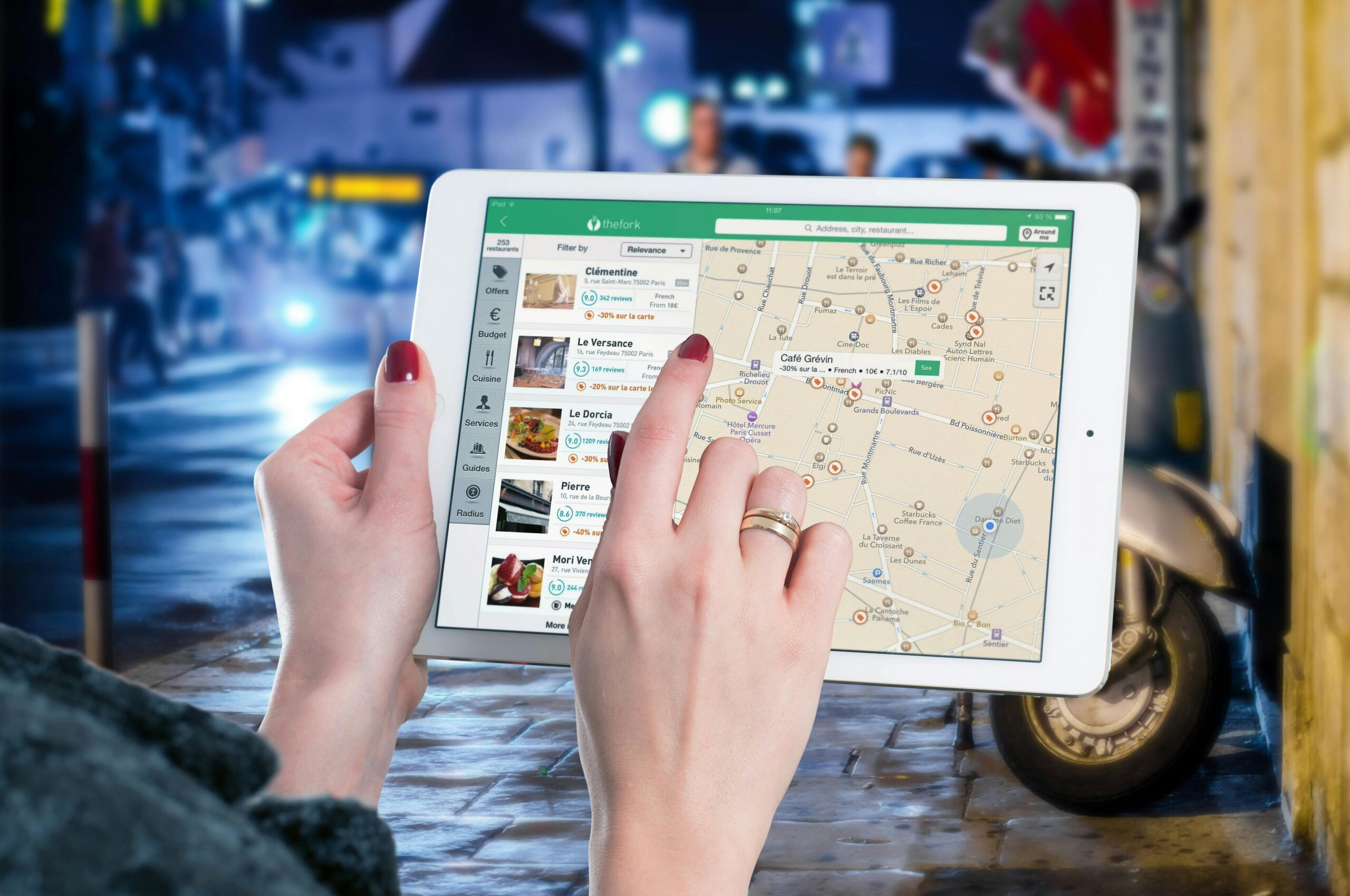
🎯 Making GPS Navigation a Seamless Experience
Mastering GPS navigation transforms travel from a stressful navigation challenge into an effortless journey. The key lies in preparation—entering addresses correctly, understanding your app’s features, and having backup plans for when technology falters.
Practice using your chosen navigation app in familiar areas first, learning its interface and voice commands before relying on it in unfamiliar territory. Experiment with different viewing modes, customize settings to your preferences, and explore advanced features that might save time or enhance your navigation experience.
Remember that GPS is a tool to assist navigation, not replace basic awareness and common sense. Always pay attention to road signs, traffic signals, and your surroundings. The best navigation experience combines technological assistance with human judgment and situational awareness.
With these strategies and insights, you’re well-equipped to use GPS effectively for finding any address, whether across town or across the globe. The technology continues evolving, becoming more accurate, intuitive, and integrated into our daily lives. Embrace these tools, and you’ll never lose your way again. 🌍
